

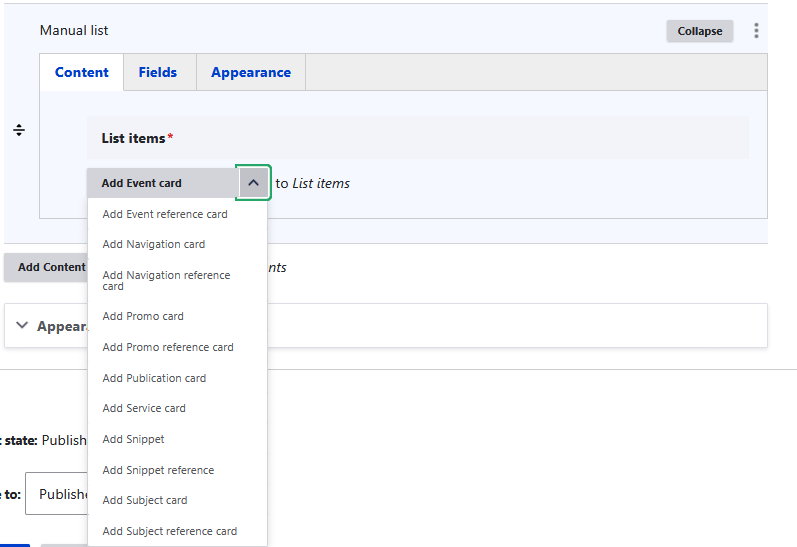
The Manual List component allows you to manually build a list of cards, choosing and ordering each item yourself. Each card type comes in two versions: a standard card where you fill in all the details manually, and a reference card where you point to an existing page on the site, pulling its information automatically. The available card types are:
Event card, Event reference card, Navigation card, Navigation reference card, Promo card, Promo reference card, Publication card, Service card, Snippet, Snippet reference, Subject card, and Subject reference card.
Like the Automated List, it also includes Fields and Appearance tabs to configure the title, introductory content, links, layout, and theme.
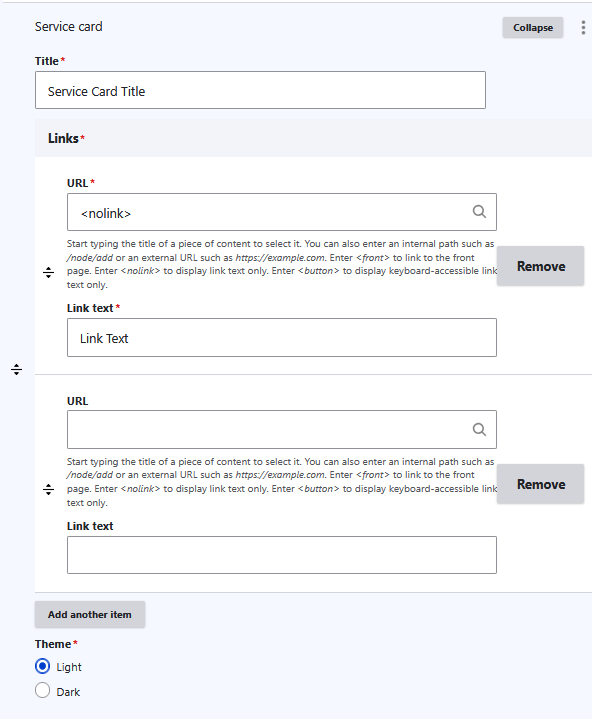
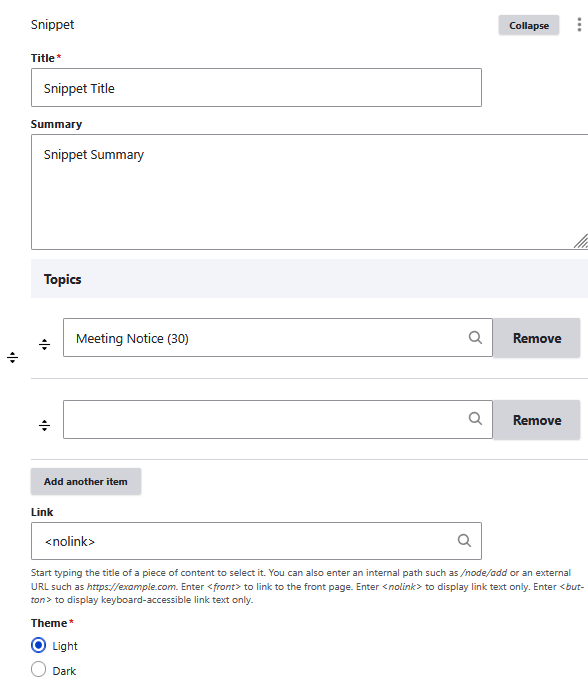
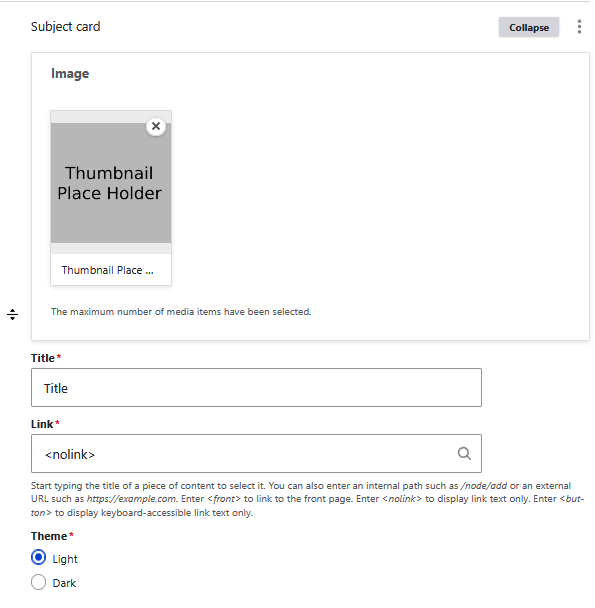
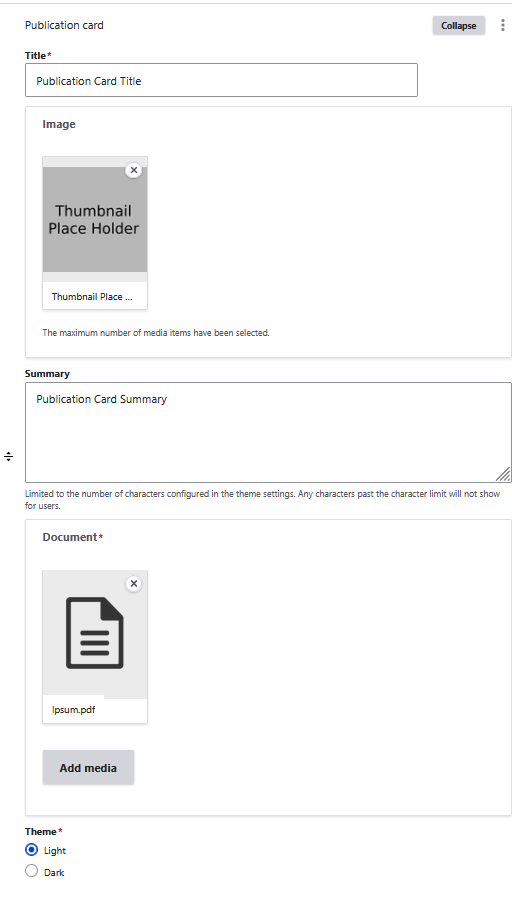
Below are the manual list example in the CMS (content management system) :
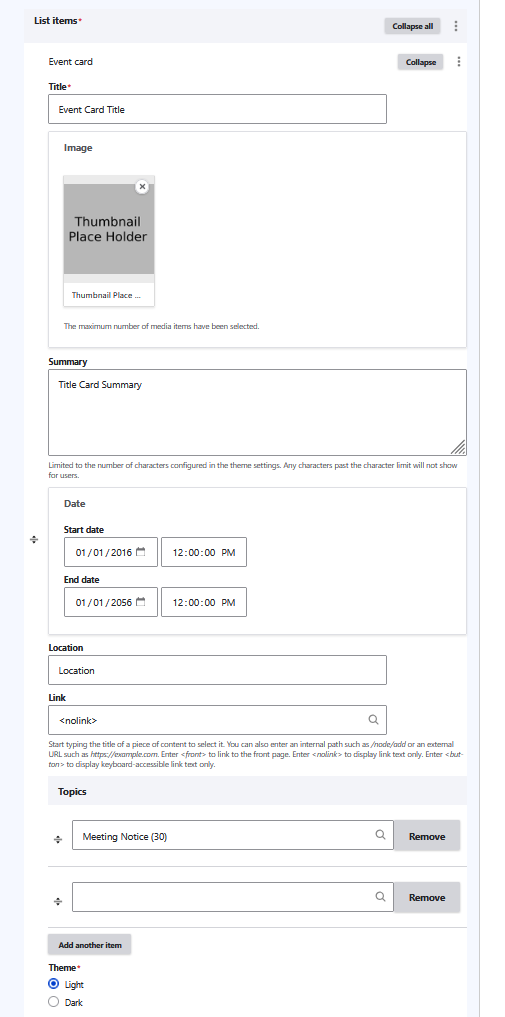
Event Card in CMS:
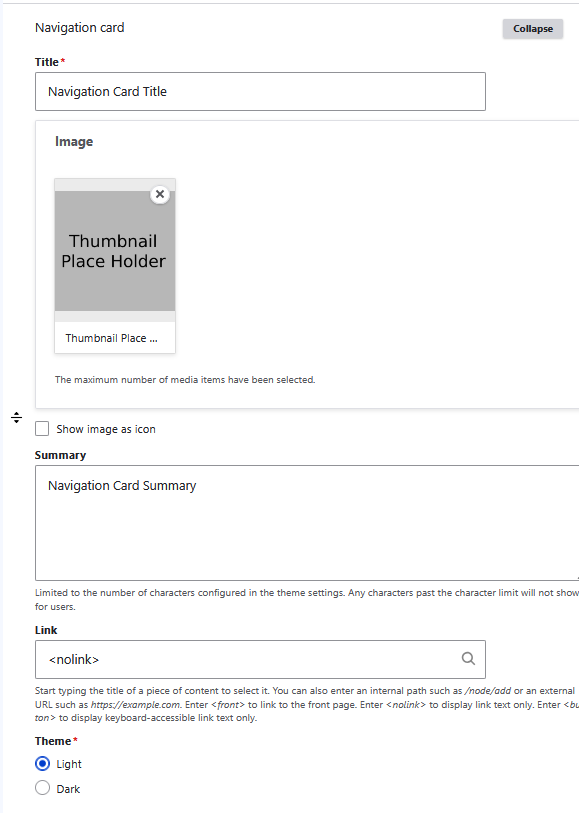
Navigation Card in CMS:
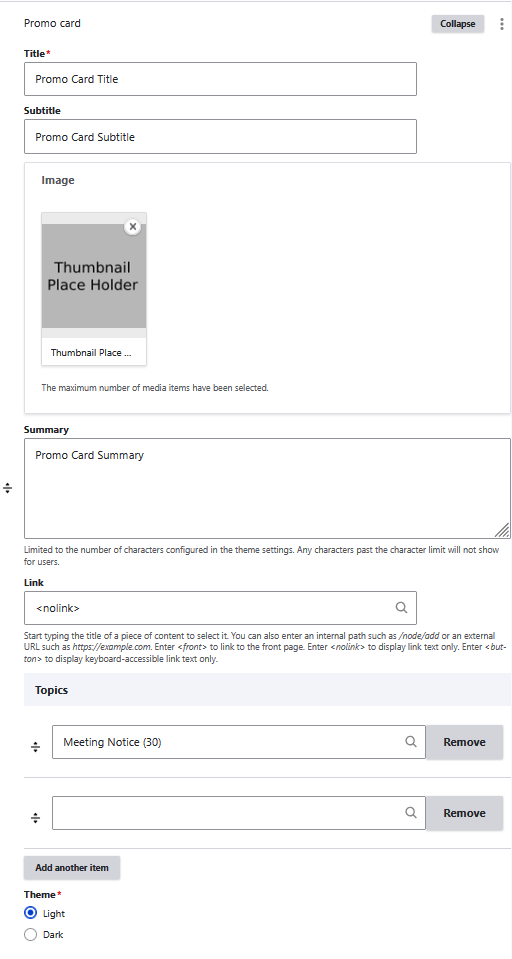
Promo Card in CMS:
Service Card in CMS:
Snippet in CMS:
Subject Card in CMS:
Publication Card in CMS:
Example of All the Card (Some card are made to be use with multiple, hence some looking a bit off when being single):